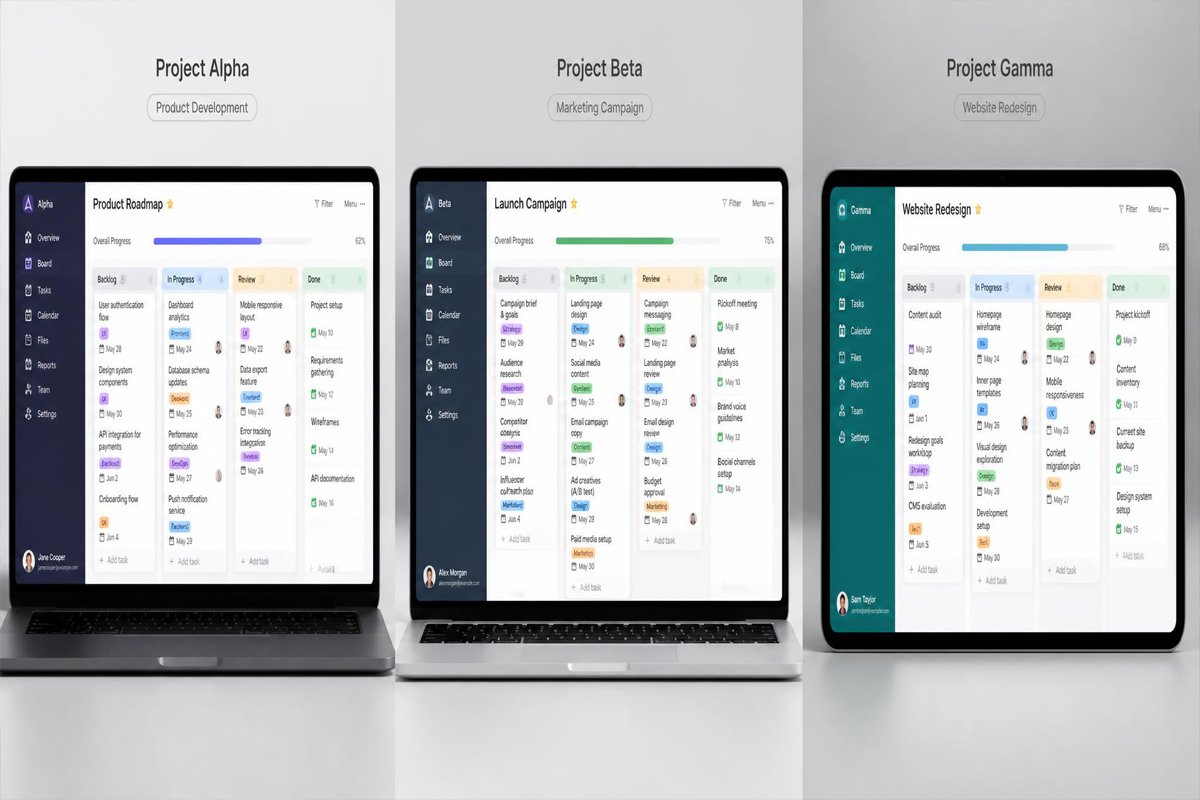
At some point, every growing small business hits the same wall — not a lack of work, but a lack of visibility into it. Deadlines live in someone’s head, updates happen in scattered chat threads, and the owner ends up as the only person who actually knows the full status of every project.
Project management software fixes this by giving every task, deadline, and owner one shared home instead of a dozen disconnected conversations. The challenge is that the market has ballooned — everything from simple to-do boards to full work-management platforms now calls itself “project management,” and picking the wrong tier means either outgrowing a tool in months or paying for complexity a five-person team will never touch. This guide compares five of the most established, small-business-friendly platforms, so the choice matches how your team actually works. It’s a natural companion to our guides on CRM software and email marketing platforms — together, these three cover the operational backbone most small businesses eventually need.
Quick Answer
The best project management software depends on how your team actually plans work. Trello is the easiest starting point for small teams that think in simple boards and checklists. Asana suits teams that need clearer task ownership and deadlines across multiple projects at once. ClickUp offers the deepest feature set for teams willing to invest setup time for full customization. Monday.com is the strongest visual option for teams that want flexibility without ClickUp’s steeper learning curve. Basecamp stands out for its flat, predictable pricing and its focus on communication as much as tasks. There’s no universal winner — the right pick matches your team’s planning style, not the platform with the longest feature list.
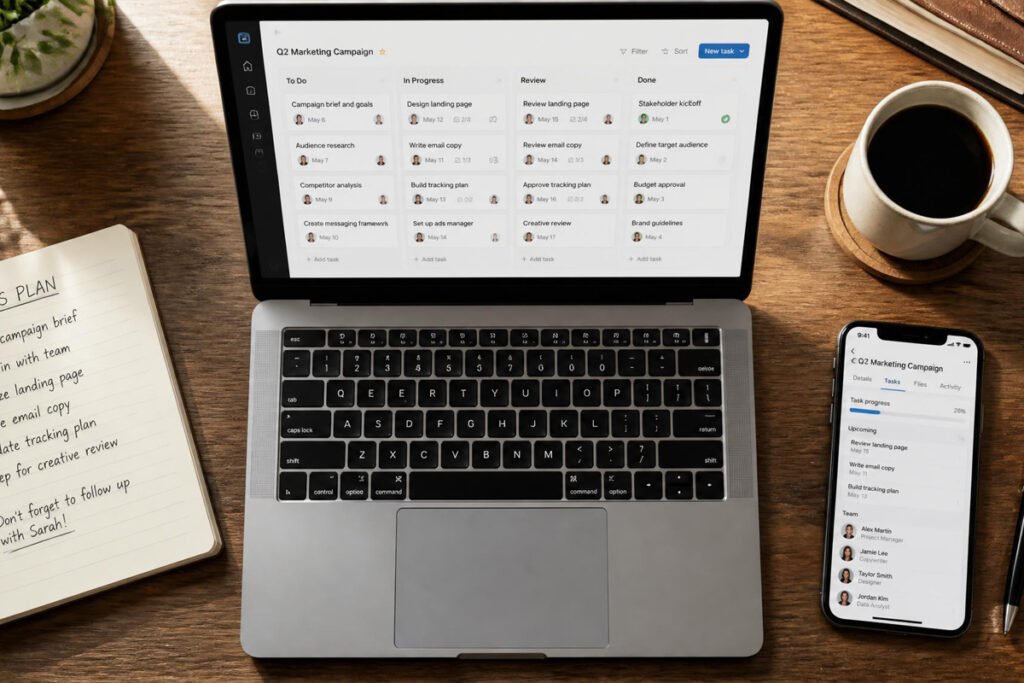
Table of Contents
- What Project Management Software Actually Does
- How to Choose the Right Platform
- Best Project Management Software for Small Businesses
- Comparison Table
- Best Platform for Different Business Types
- How to Set Up Your Project Management Workflow Correctly
- Common Project Management Mistakes
- Expert Tips
- Final Thoughts
- FAQ
What Project Management Software Actually Does
Project management software centralizes tasks, deadlines, ownership, and progress into one shared view, replacing the mix of chat messages, spreadsheets, and memory that most small teams start out relying on. Most platforms today go further, adding automation, reporting, and increasingly AI-assisted task suggestions.
For a small team specifically, the value isn’t the enterprise-grade reporting dashboards larger companies care about. It’s the basics done reliably: everyone knows what they own, deadlines aren’t tracked in someone’s head, and a new hire can see project status without asking five people. That reliability compounds the same way a consistent content marketing strategy does — the value becomes obvious months in, not on day one.
How to Choose the Right Platform
Before comparing feature lists, answer three questions:
- How does your team naturally think about work? Simple checklist-and-board thinking needs a different tool than teams that plan in timelines, dependencies, or Gantt charts.
- How much setup time can you realistically invest? The most powerful tools require the most configuration — a platform your team never fully sets up delivers less value than a simpler one that’s actually used.
- What’s your realistic budget as the team grows? Per-seat pricing on most platforms adds up quickly — confirm the cost at the team size you expect in a year, not just today’s headcount, since most tools in this category start under roughly $12 per user per month but scale with add-ons.
Best Project Management Software for Small Businesses
1. Trello
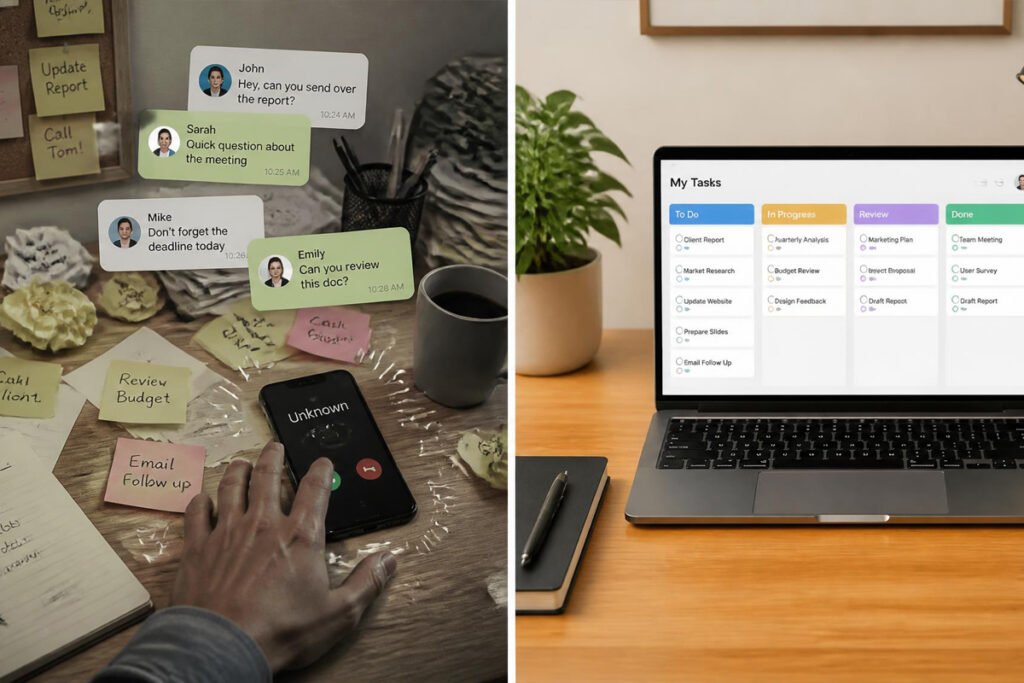
Overview: Trello popularized the Kanban board approach — cards representing tasks, moved across columns like “To Do,” “In Progress,” and “Done.” Its simplicity remains its biggest strength for small teams new to structured project management.
Key Features:
- Visual drag-and-drop Kanban boards
- Genuinely usable free plan for small teams
- Power-Ups for adding automation and integrations as needed
- Very low learning curve, usable within minutes
Best For: Small teams and solo founders who want the simplest possible starting point.
Pros: ✅ Easiest tool to learn in this list ✅ Strong free plan ✅ Flexible enough for non-project use cases too Cons: ❌ Limited for complex, multi-step projects ❌ Reporting and timeline views are basic without paid add-ons
Our Verdict: The right starting point if your team has never used structured project management before and needs to build the habit first.
2. Asana
Overview: Asana adds clearer task ownership, deadlines, and multiple project views (list, board, timeline) on top of Trello-style simplicity, making it a natural next step once a team outgrows a single board.
Key Features:
- Multiple views: list, Kanban board, timeline, calendar
- Clear task ownership and due-date tracking across projects
- Built-in approval and proofing workflows on paid tiers
- Strong reporting for tracking progress across multiple projects
Best For: Small teams managing more than one active project at a time.
Pros: ✅ Clear accountability per task ✅ Flexible views for different planning styles ✅ Solid free plan for smaller teams Cons: ❌ Can feel like overkill for very simple, single-project teams ❌ Some third-party integrations have changed recently, so confirm current compatibility
Our Verdict: A strong middle-ground pick once a single Trello board starts feeling too flat to track everything happening at once.
3. ClickUp
Overview: ClickUp positions itself as an all-in-one work platform — tasks, docs, goals, and increasingly AI-assisted features — aimed at teams willing to spend real setup time in exchange for deep customization.
Key Features:
- Highly customizable views, statuses, and fields
- Built-in docs and goal tracking alongside tasks
- AI-assisted task summaries and suggestions
- Extensive automation options
Best For: Teams with the time to configure a system precisely to their workflow.
Pros: ✅ Most customizable option in this list ✅ Consolidates several tools into one ✅ Strong automation depth Cons: ❌ Steepest learning curve here ❌ Easy to over-configure and lose simplicity
Our Verdict: Worth the setup investment only if your team has someone willing to own the configuration — otherwise the flexibility becomes clutter.
4. Monday.com
Overview: Monday.com leans into colorful, highly visual boards with strong flexibility, sitting between Trello’s simplicity and ClickUp’s depth for teams that want customization without as steep a learning curve.
Key Features:
- Visual, color-coded boards and automations
- Wide range of templates for common small-business workflows
- Strong integration ecosystem
- AI-assisted workflow suggestions on newer plans
Best For: Visual teams that want flexibility without ClickUp’s full complexity.
Pros: ✅ Intuitive visual interface ✅ Flexible without extreme setup time ✅ Strong template library to start from Cons: ❌ Per-seat pricing adds up for larger teams ❌ No meaningful free plan for teams beyond a couple of users
Our Verdict: A solid middle option if Trello feels too limited but ClickUp feels like more than your team wants to manage.
5. Basecamp
Overview: Basecamp takes a deliberately different approach — flat monthly pricing instead of per-seat costs, and an emphasis on communication and check-ins alongside task tracking, not just task boards.
Key Features:
- Flat-rate pricing regardless of team size on its Pro Unlimited plan
- Built-in team messaging and automatic check-ins
- Simple to-do lists rather than complex boards or timelines
- Client-facing project sharing built in
Best For: Teams that want predictable costs as they add people, and value built-in communication as much as task tracking.
Pros: ✅ Pricing doesn’t scale with headcount ✅ Reduces need for separate chat tools ✅ Simple enough for non-technical teams Cons: ❌ Less granular task tracking than Asana or ClickUp ❌ Fewer advanced reporting features
Our Verdict: Worth strongly considering once team size starts making per-seat pricing on other tools genuinely expensive.
Comparison Table
| Platform | Best For | Free Plan | Customization | Learning Curve |
|---|---|---|---|---|
| Trello | First-time PM tool users | Yes | Basic | Easy |
| Asana | Multiple concurrent projects | Yes, limited | Moderate | Easy–Moderate |
| ClickUp | Teams wanting full customization | Yes, limited | Advanced | Steep |
| Monday.com | Visual, flexible planning | No (trial only) | Moderate–Advanced | Moderate |
| Basecamp | Predictable flat-rate pricing | No (trial only) | Basic–Moderate | Easy |
Best Project Management Platform for Different Business Types

Solo Founders & Very Small Teams
Start with Trello’s free plan. The priority here is simply getting tasks out of your head and into a shared, visible place — advanced automation and reporting aren’t worth the setup time yet.
Service-Based & Client Work Teams
Asana or Basecamp tend to fit best, since both handle multiple concurrent client projects with clear ownership, and Basecamp’s client-sharing features pair naturally with how consulting and agency work is typically delivered.
Growth-Stage Teams with Complex Workflows
ClickUp or Monday.com make more sense once your team has outgrown simple boards and needs real customization — automations tied to specific stages, custom fields, and deeper reporting across multiple departments.
How to Set Up Your Project Management Workflow Correctly
Step 1: Map One Real Project First
Before rolling a tool out company-wide, set up a single active project in it and actually run that project through the tool end to end. This surfaces real friction before you commit the whole team.
Step 2: Keep the Initial Structure Simple
Start with basic statuses — To Do, In Progress, Done — rather than a dozen custom fields. Complexity can always be added later; removing it after the team has adapted to it is much harder.
Step 3: Assign Clear Ownership on Every Task
A task without a named owner tends to get quietly ignored. Make single-person ownership a non-negotiable habit from week one, even on small tasks.
Step 4: Set a Weekly Review Rhythm
A short weekly check-in — what moved, what’s stuck, what’s overdue — keeps the tool as a living system rather than a place tasks go to be forgotten.
Step 5: Prune Unused Features Monthly
Turn off automations, custom fields, or views nobody’s using. A tool that stays simple gets used consistently; one that accumulates unused complexity gradually gets abandoned.
Common Project Management Mistakes
Over-configuring the tool before anyone’s used it. Building a dozen custom statuses and automations before running a single real project through the system usually means redoing it all once actual use reveals what’s actually needed.
Choosing a tool based on features instead of team habits. The most feature-rich platform doesn’t help if the team quietly reverts to chat messages within a month — the same adoption failure covered in our digital marketing mistakes roundup applies just as much to internal tools.
Treating the tool as optional for leadership. If the owner or manager tracks their own work outside the system “just this once,” the rest of the team follows that example fast — consistency has to start at the top.

Expert Tips
Match the tool to your smallest, most frequent task, not your biggest project. A platform that handles your weekly recurring work smoothly matters more day-to-day than how well it handles one big annual project.
Use templates instead of building from scratch. Every tool on this list includes small-business templates — starting from one and adjusting it is faster and more reliable than designing a workflow from a blank board.
Connect project management to client-facing work where possible. If you deliver content creation or ongoing service work, tools with client-sharing views (like Basecamp or Asana) reduce the back-and-forth of status update emails.
Final Thoughts
Best overall starting point: Trello, for its simplicity and free plan. Best for multi-project teams: Asana, for clear ownership and multiple views. Best for full customization: ClickUp, if you have the setup time. Best visual middle ground: Monday.com. Best for predictable pricing and built-in communication: Basecamp.
Whichever you choose, project management software works best as one piece of a connected operational system — not an isolated tool. If you haven’t already paired it with a CRM to track client work through to revenue, or social media scheduling to keep marketing execution organized, those are natural next steps.
Frequently Asked Questions
Do small businesses really need dedicated project management software, or is a shared spreadsheet enough? A spreadsheet works fine for a handful of tasks and one or two people. Once more than a couple of people need visibility into shared deadlines, a dedicated tool reduces the coordination overhead significantly.
How much does project management software typically cost? Most platforms in this category start under roughly $12 per user per month on paid tiers, with several offering usable free plans for very small teams. Flat-rate options like Basecamp avoid per-seat scaling entirely.
Which tool is easiest for a team that’s never used project management software before? Trello is generally considered the easiest starting point, with Asana a close second once a team outgrows a single board.
Can I switch project management tools later without losing everything? Yes, most platforms support data export, though migration ease varies. Starting simple (Trello or Asana) and moving to something more complex later is generally easier than the reverse.
Do I need AI features in a project management tool? Not essential, but AI-assisted task summaries and suggestions — now common on ClickUp, Monday.com, and others — can save real time on status updates and reporting once your team has a consistent workflow to apply them to.
Is a free plan usable long-term, or just a trial? Trello’s and Asana’s free plans are genuinely usable long-term for small teams, with real (not just time-limited) limitations on features like automation and advanced views.
How long does it take to fully roll out a new project management tool? Basic setup takes a few hours to a day. Full team adoption and habit-building typically takes 3–6 weeks of consistent use before it feels natural.
What’s the difference between project management software and a CRM? A CRM tracks relationships with leads and customers through the sales process. Project management software tracks the internal work of delivering on what was sold — many teams use both together, connected through integrations.
What’s the biggest reason small teams abandon a project management tool? Usually incomplete adoption — some team members keep using chat or email instead — rather than a flaw in the software itself. Consistent, visible use from leadership is what determines whether it sticks.
Author: DIGI MONETIZE Team Last Updated: August 2026